Transform Your Workspace with a Dark Academia Christmas Mouse Pad: Design, Quality, and Practical Insights
There is something quietly compelling about a workspace that reflects your personality without shouting for attention. The Dark Academia Christmas mouse pad captures this perfectly—blending the nostalgic, scholarly charm of Dark Academia with the warmth and festivity of the holiday season. Whether you are a writer chasing deadlines, a student buried in research, a freelancer juggling multiple projects, or a gamer building your ideal setup, the right mouse pad does more than protect your desk. It sets a tone. It anchors your environment. Yet many people overlook the details that separate a truly satisfying purchase from one that becomes a regret.
Let’s walk through the common missteps, overlooked details, and practical choices that can make your Dark Academia Christmas mouse pad a lasting asset rather than a short-lived novelty.
What Exactly Is a Dark Academia Christmas Mouse Pad?
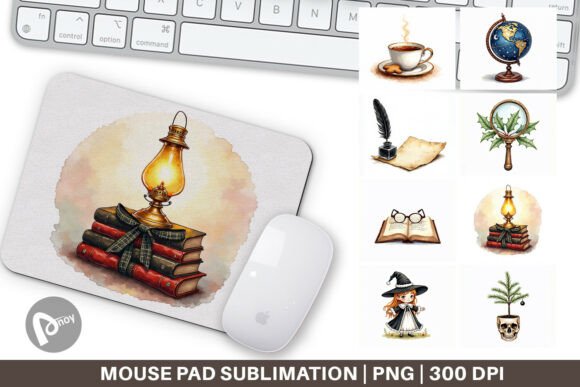
A Dark Academia Christmas mouse pad is not just a surface for your mouse. It is a design statement that merges the classic, moody aesthetic of Dark Academia—think antique books, vintage typography, muted earth tones, candlelight, and arched windows—with Christmas motifs such as holly, evergreen, subtle snow, and warm holiday lights. These designs often evoke a cozy university library in December, complete with leather-bound volumes and a crackling fireplace.
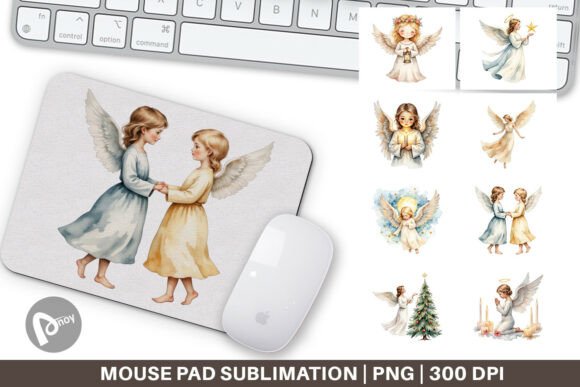
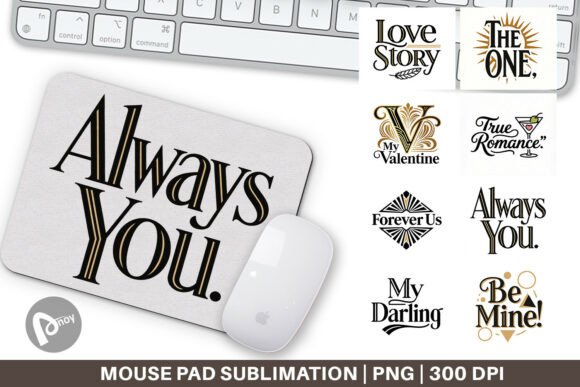
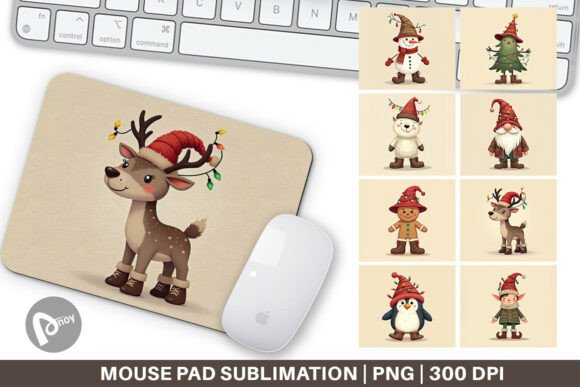
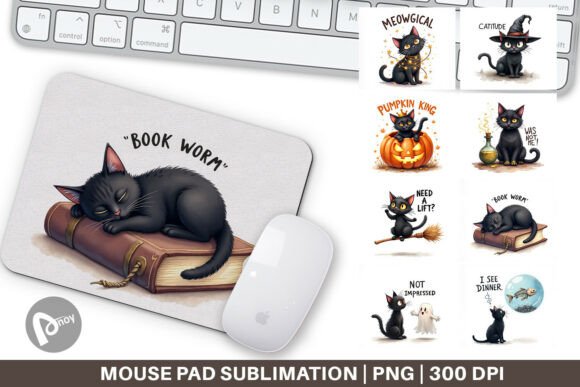
The product you receive is a PNG file set: eight individual files, each sized at 9.5 by 8.1 inches, at 300 dpi. This is a sublimation-ready design pack, meaning you can use these files to print onto blank mouse pad blanks using sublimation printing techniques. Whether you plan to create your own mouse pad at home, sell finished products, or commission a print shop, understanding what those specifications mean is essential.
Mistake 1: Ignoring the Importance of DPI and Resolution
300 dpi is the standard for high-quality print. Yet many buyers glance past this detail, assuming that any image file will work for sublimation. This leads to blurry prints, pixelated text, and designs that look washed out.
- What happens: A low-resolution file (72 dpi or 150 dpi) might look fine on a screen but will appear soft or jagged when printed on a mouse pad surface.
- Better approach: Always verify that your design file meets at least 300 dpi at the intended print size. With this PNG set, the 9.5 x 8.1 inch dimensions at 300 dpi give you a crisp, sharp result. Do not scale the image up in your print software—that will degrade quality. Keep the original dimensions.
Mistake 2: Misunderstanding Sublimation Requirements
Sublimation printing is not like printing on paper. It requires heat, pressure, and a polyester-coated blank. A common misunderstanding is assuming you can use regular inkjet paper or standard fabric mouse pads.
- What happens: The design does not transfer properly. Colors appear faded, the image peels, or it simply washes off.
- Better approach: Use a sublimation printer with sublimation ink and sublimation paper. Your mouse pad blank must have a polyester coating. The PNG files in this set are optimized for sublimation, but the printing process itself demands the right equipment. If you are new to sublimation, test a small design first.
Mistake 3: Choosing a Design That Clashes with Your Workspace
Dark Academia Christmas has a distinct palette: deep browns, forest greens, gold, cream, and muted reds. Some buyers are drawn to the aesthetic but end up with a mouse pad that fights with their desk setup—too dark for a black desk, or too warm for a cool-toned room.
- What happens: Instead of enhancing your workspace, the mouse pad becomes visually distracting. You may tire of it quickly.
- Better approach: Consider your existing desk colors, lighting, and accessories before committing. If your desk is dark wood, a cream- or gold-accented design may pop beautifully. If your setup is minimalist and pale, a mouse pad with deep ink tones can ground the space. This set includes eight different designs, so you have room to choose the one that best suits your environment.
Size and Surface Area
9.5 x 8.1 inches is a standard medium mouse pad size—adequate for most office tasks and moderate gaming. However, some users assume it is larger than it actually is.
- What happens: If you use a low mouse sensitivity for gaming or work across multiple monitors, this size may feel restrictive. You might constantly lift and reposition your mouse.
- Better approach: Measure your current mouse pad and your typical mouse movement area. If you need more room, consider using this design as a decorative accent or for a secondary workstation. These files can also be scaled (with care) to larger blanks, but remember that scaling up reduces effective resolution.
Thickness and Edge Quality
The PNG files do not determine the mouse pad’s thickness or edge finish—those depend on the blank you choose. But buyers often overlook this when ordering a finished product.
- What happens: Thin mouse pads (1-2 mm) can slide on the desk or curl at the edges. Very thick pads (5 mm or more) may feel bulky or interfere with wrist posture.
- Better approach: Choose a blank with a stitched edge to prevent fraying, and a thickness of around 3 mm for a good balance of stability and comfort. The design will look its best on a smooth, non-textured surface.
Test Color Accuracy Before Production
Sublimation colors can shift during heat transfer. What you see on screen is not always what you get on fabric. Dark Academia palettes rely on deep, moody tones—these can become muddy if your printer profile is not calibrated.
- What to check: Use a calibrated monitor and a color profile specific to your sublimation paper and blank. Print a small test swatch first.
- Better outcome: Your evergreen and gold details will retain their richness, and the Christmas elements will remain distinct from the background.
Consider the Layout of Your Desk
A mouse pad is not just for your mouse. It can also anchor your keyboard, phone, or a cup of tea. The 9.5 x 8.1 inch size is ideal if you place it beside a keyboard. If you want both keyboard and mouse on the same pad, you may need a larger blank.
- Better approach: Use the PNG file as a centered design on a larger blank, or create multiple mouse pads from the set to cover different zones of your desk. The eight-file set gives you flexibility to mix and match by season or mood.
Think Beyond the Mouse Pad
These sublimation files are not limited to mouse pads. You can apply them to coaster blanks, fabric patches, or small decorative panels. This extends your Dark Academia Christmas theme across your entire workspace.
- Better approach: Coordinate a mouse pad with a matching coaster or desk mat. This creates a cohesive look that feels intentional rather than random.
What to Verify Before You Buy or Use This Design Set
- The dimensions match your blank. 9.5 x 8.1 inches is the print size. Your blank should be at least that size, preferably slightly larger to accommodate trimming.
- Your printer supports sublimation. This is not a standard inkjet file. You need sublimation ink and paper.
- The design complements your existing decor. Dark Academia Christmas works best with warm, muted, or vintage-inspired setups. If your desk is all glass and chrome, the contrast may be jarring.
- You have the rights to use the file. This is a commercial-use design set, but always check the license terms if you plan to sell the finished mouse pads.
Avoiding Buyer’s Remorse: A Balanced Perspective
A well-made Dark Academia Christmas mouse pad can genuinely elevate your daily experience at your desk. It can spark a bit of joy during the holiday season, keep your workspace organized, and reflect your personal taste without being loud. But the difference between a design that delights and one that disappoints often comes down to preparation. Choosing the right blank, verifying your sublimation workflow, and understanding the size limitations will save you time, money, and frustration.
The eight PNG files in this set offer variety—some designs may lean heavier on the Dark Academia mood, others more toward Christmas whimsy. Look through all of them with an eye for what fits your space and your printing capabilities. If you plan to gift finished mouse pads to friends or family, test one first to ensure the colors and feel match your expectations.
Your workspace is where you create, earn, learn, and unwind. A mouse pad that aligns with your aesthetic and your practical needs is a small investment with daily returns. Take the time to get the details right, and that Dark Academia Christmas design will serve you well beyond the holiday season.